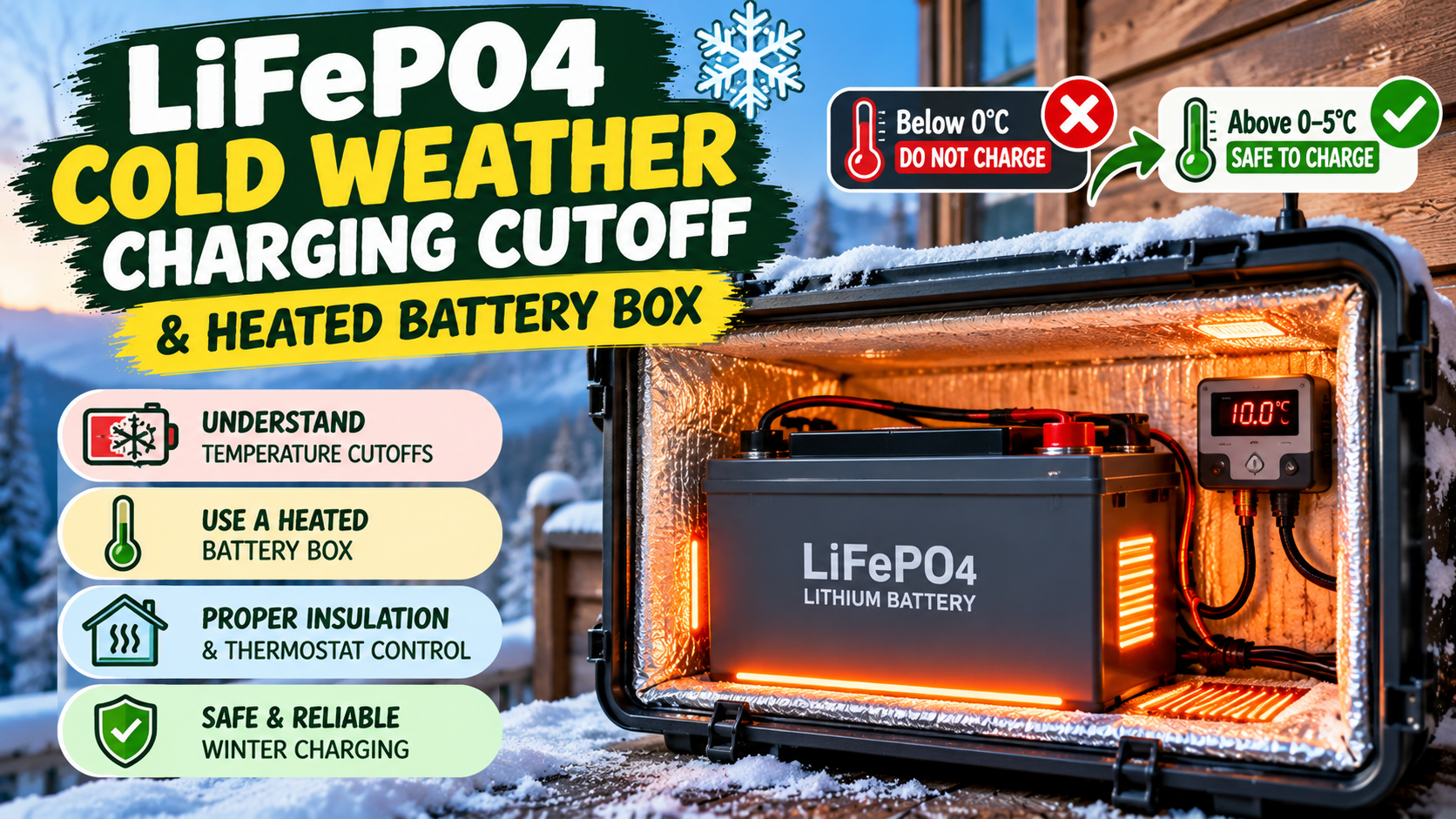
LiFePO4 Cold Weather Charging: Cutoff & Heated Box
Battery care · RV solar · Off-grid power
LiFePO4 Cold Weather Charging: Cutoff Temperatures and Heated Battery Boxes
Cold mornings can stop a lithium battery from accepting a charge. Learn how low-temperature cutoffs work, when a heated battery box helps, and how to protect your LiFePO4 system without bypassing its safety controls.
LiFePO4 batteries are popular in RVs, camper vans, boats, cabins and solar storage systems because they offer dependable energy storage and a long service life when used correctly. Winter introduces one important limitation: charging a standard lithium iron phosphate battery when its cells are too cold can permanently damage them.
The solution is not simply to wrap the battery in insulation and keep charging. You need a temperature-aware charging cutoff, a suitable way to warm the cells when necessary, and a system that only enables charging after the battery reaches the temperature specified by its manufacturer.
1. Why Cold Weather Affects LiFePO4 Charging
At low temperatures, the electrochemical reactions inside a lithium battery slow down. Charging a cold cell can cause lithium to plate onto the anode instead of being stored normally. This can reduce capacity, shorten battery life and, in severe cases, create a safety risk.
This is why charging and discharging temperature limits are different. Some LiFePO4 batteries can still supply power in sub-zero conditions, within their discharge specification, while charging must be disabled until the cells warm up.
Follow the manufacturer’s minimum cell-temperature limit. Many products specify 0°C or 5°C as the lower charging boundary.
Some models allow discharge below freezing, but current limits and minimum temperatures are model-specific. Do not use the discharge range as a charging limit.
For example, Victron specifies a 5°C to 50°C charging range for its Lithium Smart battery. Its guidance warns that charging outside the permitted range can damage the battery. Renogy also describes low-temperature protection and self-heating options for its LiFePO4 products. These are examples, not universal settings for every battery.
2. What Temperature Should the LiFePO4 Charging Cutoff Use?
Use the minimum charging temperature printed in your battery’s datasheet or manual. Do not assume that every LiFePO4 battery uses the same threshold.
| Manufacturer example | Published cold-weather guidance | What it means |
|---|---|---|
| Victron Lithium Smart | Charging allowed from +5°C | Its BMS minimum charge-temperature setting defaults to 5°C. |
| Renogy self-heating models | Heating may activate below 5°C; some models heat to around 10°C | Activation and restart behaviour depend on the exact model and charging conditions. |
| Battle Born heated models | Some models activate heating around 1.6°C and stop heating around 7.2°C | Heating logic and enable wiring must follow the relevant model’s guide. |
These examples show why a generic “0°C cutoff” recommendation can be unsafe for a battery whose manual requires a warmer minimum. A practical design often uses a little temperature margin above the manufacturer’s minimum, but the correct margin and sensor location should be confirmed with the battery supplier.
3. How the BMS Low-Temperature Charging Cutoff Works
The battery management system (BMS) monitors conditions such as cell voltage, current and temperature. When a temperature sensor detects that charging would be outside the battery’s permitted range, a properly designed system blocks charging.
Depending on the battery and system, the BMS may interrupt charging internally, send a charge-enable signal to a compatible inverter or charger, or communicate over a supported battery network. The behaviour is not identical across brands.
Check every charging source
An RV or off-grid battery may receive power from more than one source. The low-temperature protection must be respected by all of them:
- Solar charge controller or MPPT charger.
- AC mains battery charger or inverter/charger.
- Vehicle alternator charger or DC-to-DC charger.
- Shore power, generator or other auxiliary charging equipment.
Where possible, use the manufacturer’s supported BMS communication or charge-disconnect method. A temperature cutoff that only controls the solar charger will not protect the battery if an alternator charger can still send current into it.
4. How a Heated LiFePO4 Battery Box Works
A heated battery box combines insulation, a controlled heat source and temperature monitoring. Insulation slows heat loss, while a thermostat or battery controller activates the heater when the battery becomes too cold. Charging remains disabled until the battery is warm enough.
There are two common approaches:
Option A: Battery with built-in self-heating
Some LiFePO4 batteries include integrated heating elements managed by the battery’s own electronics. The BMS monitors internal temperature and controls the warm-up and charge sequence. This is usually the simplest solution when the battery will regularly experience freezing conditions, provided the heating feature is enabled and installed exactly as specified by its manufacturer.
Option B: Insulated enclosure with an approved external heater
For a battery without built-in heating, an insulated enclosure may be paired with a manufacturer-approved heating pad or battery heater and a suitable thermostat. The temperature sensor must monitor the battery in the position specified by the battery/heater maker. The control system should keep charging disabled until the cells have reached the required charging temperature.
Do not assume that any generic silicone pad, reptile mat, household heating pad or improvised heater is suitable. Confirm compatibility with the battery manufacturer, including surface temperature, heater placement, electrical supply, clearances and control method.
5. Heated Battery Box Design: Safety Checklist
A heated enclosure is an electrical and thermal system, not just an insulated storage box. Use these design principles as a planning checklist and have the electrical installation reviewed by a qualified technician.
- Start with the battery manual.
Confirm minimum charge temperature, permitted ambient conditions, installation orientation, clearance requirements and whether external heating is allowed. - Choose suitable insulation and enclosure materials.
Use materials appropriate for the environment, temperature and electrical installation. Keep the enclosure protected from water and physical damage, but do not block any ventilation or clearance required by the manufacturer. - Use a battery-approved heater.
Prefer integrated self-heating or an approved low-voltage battery heating element. Avoid direct contact with terminals, cables, BMS electronics or surfaces not approved for heating. - Use temperature control with independent protection.
The thermostat should be based on battery temperature and should prevent charging until the required minimum is reached. A separate over-temperature safety device should prevent uncontrolled heating. - Protect the heater circuit electrically.
Use correctly rated wiring, connectors and overcurrent protection in accordance with the heater instructions and electrical standards. Fuse placement and wire sizing should be determined by the heater current, cable length and installation conditions. - Coordinate the heater and chargers.
Ensure solar, alternator, AC and other charge sources cannot charge the cells while they remain below the permitted temperature. Do not rely on a heater thermostat alone as the charge cutoff. - Test before winter operation.
Verify sensor readings, heater activation, charge inhibition, warm-up behaviour and safe shutdown. Check the system again after any wiring, battery or controller change.
6. How Much Energy Does a Heated Battery Box Use?
The heater’s energy use depends on its wattage, the outside temperature, insulation quality, enclosure size and how long the heater operates. As a simple illustration, a 30-watt heater running for four hours uses 120 watt-hours (Wh):
30 W × 4 hours = 120 Wh (before wiring and conversion losses).
This is an example calculation, not a heater recommendation. Check the heater’s actual current draw and duty cycle. Some integrated heating systems draw energy from the charging source; others may consume energy from the battery. If the heater is powered by the battery, prolonged cold periods can reduce the energy available to run your loads. Check the specific manual.
7. Troubleshooting: Why Will My LiFePO4 Battery Not Charge in Cold Weather?
| Symptom | Possible reason | Safe next step |
|---|---|---|
| Charger shows zero or very low charge current | BMS has blocked charging due to low cell temperature | Check the battery’s temperature and BMS status. Warm it according to the manufacturer’s instructions. |
| Heater does not turn on | Heating feature not enabled, insufficient charging input, incorrect wiring or model-specific activation conditions not met | Read the exact heating guide and verify its enable conditions. Do not improvise a jumper or bypass. |
| Air in the box is warm but charging remains blocked | Cells are still colder than the air, or sensor is reading the battery correctly | Allow more time for the battery mass to warm. Trust the battery sensor, not the enclosure air temperature. |
| Battery warms but charger still will not start | Charge source may need a reset, BMS permission may not have returned, or another fault may be present | Check BMS alerts and charger status. Follow the manufacturer reset sequence or contact support. |
| Battery voltage drops while heating | Heater may be drawing from the battery | Check the heater’s power source and battery state of charge. Use only the supported charging/heating arrangement. |
8. Cold-Weather LiFePO4 Best Practices
- Install the battery in a protected location where practical, away from direct weather exposure.
- Configure low-temperature charging protection according to the exact battery manual.
- Check the battery’s internal or case temperature before enabling charging after a cold soak.
- Keep BMS monitoring active and investigate recurring temperature warnings.
- Account for heater energy use when sizing the battery bank and off-grid charging system.
- Before leaving an installation unattended, confirm that heating, cutoff and charger controls behave as intended.
Frequently Asked Questions
Can I charge a LiFePO4 battery below 0°C?
Only if the exact battery is designed for it and its approved heating/charging system explicitly permits it. Many standard LiFePO4 batteries must not be charged below 0°C, while some manufacturers specify a higher minimum such as 5°C. Follow your battery’s manual and never override its BMS protection.
Should I set my LiFePO4 low-temperature cutoff to 5°C?
That may be correct for some batteries, including Victron Lithium Smart models, but it is not universal. Set the controller to the minimum charging temperature specified by your battery manufacturer, with any recommended safety margin.
Can I put a LiFePO4 battery in an insulated box?
Insulation can reduce heat loss, but it does not create heat or make cold charging safe by itself. Maintain all required ventilation, clearances, water protection and temperature monitoring specified by the battery maker.
Is a heated battery box better than a self-heating battery?
It depends on the installation. A compatible battery with integrated self-heating can simplify temperature control. An external heated enclosure may work for an approved battery/heater combination, but it requires correct sensing, electrical protection and charge-source coordination.
Can I keep using my LiFePO4 battery in freezing weather?
Many models can discharge at temperatures below freezing, within their specified discharge range, even when charging is restricted. Check the battery manual because available discharge current and minimum operating temperature can change in cold conditions.
Does a low-temperature BMS cutoff protect every charger?
Not automatically in every system. Confirm that each charging source—solar, AC, alternator/DC-to-DC and generator—is controlled by the battery’s supported BMS signal or another approved low-temperature interlock.
Final Thoughts
Safe LiFePO4 cold-weather charging comes down to three things: a correct low-temperature cutoff, reliable temperature measurement and a heating system designed for the battery. A heated box can make winter operation more practical, but insulation or a heater must never replace the BMS protections.
Before changing settings or building an enclosure, read the battery and heater manuals and have any high-current wiring checked by a qualified installer.
Manufacturer References and Further Reading
- Victron Energy – Lithium Battery Smart: Operating temperature limits
- Victron Energy – Allowed-to-charge minimum temperature setting
- Renogy – Self-heating vs. low-temperature protection
- Renogy – Self-heating function and troubleshooting conditions
- Battle Born Batteries – Heated battery instruction guide (PDF)
- Battle Born Batteries – Using a heat pad with batteries
Editorial note: Battery temperature limits, heater thresholds and wiring requirements are product-specific. The examples in this guide are manufacturer examples, not a substitute for the documentation supplied with your battery, BMS, charger or heater. Always follow the latest product manual and applicable electrical codes.